Retro Typewriter-Style Gaming Keyboard: What to Check
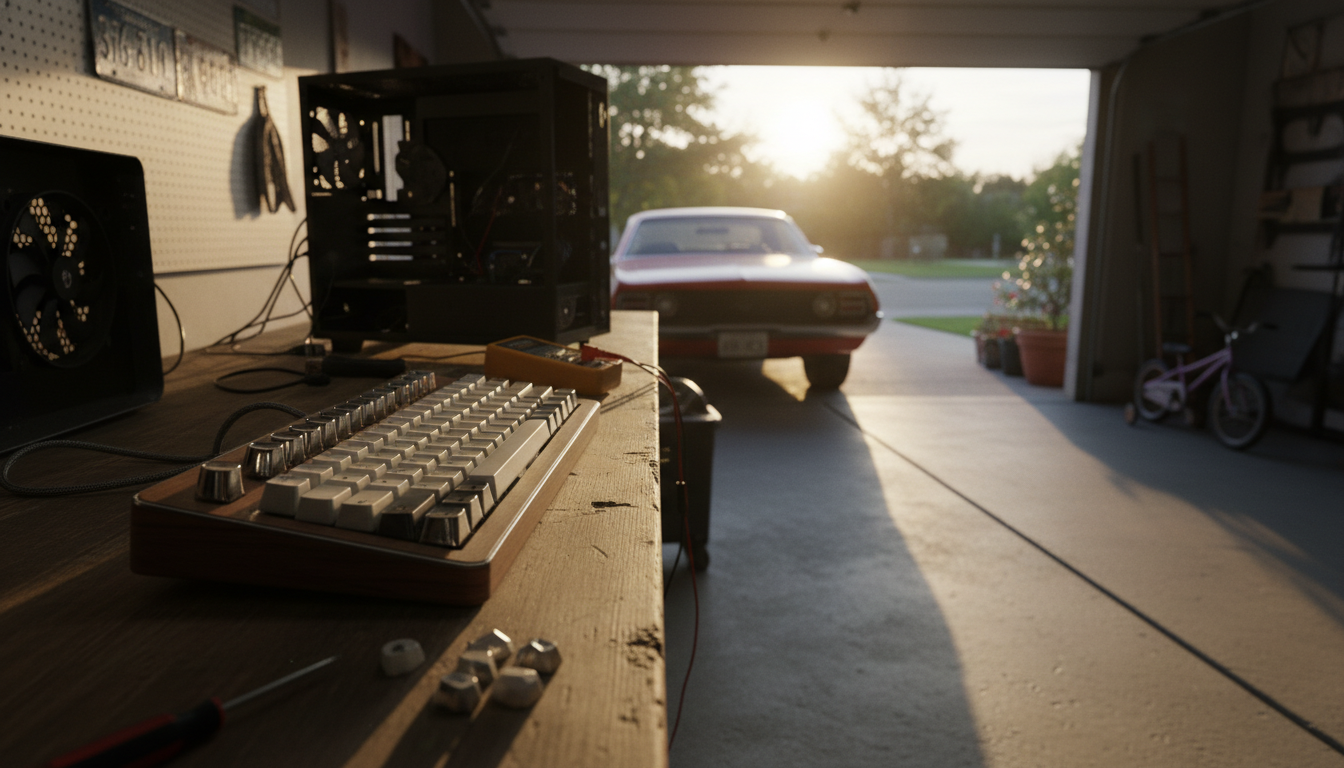
What should I look for in a retro typewriter-style mechanical keyboard for gaming?
A retro typewriter-style mechanical keyboard can look amazing on a desk, but gaming performance depends on details beyond the round keycaps. Focus on switch feel, latency, stability, and layout so the vintage aesthetic doesn’t slow down fast inputs or long sessions.
Switches: speed, sound, and fatigue
For gaming, prioritize consistent actuation and a feel you can repeat under pressure. Linear switches are popular for smooth, quick presses, while tactile switches help confirm inputs without bottoming out as hard. Clicky options match the typewriter vibe but can be loud and distracting on voice chat. If possible, choose a hot-swappable board so you can change switches later without soldering.
Latency and connection quality
Look for reliable wired performance and a high polling rate for competitive play. If you want wireless, confirm it supports a low-latency 2.4GHz mode (not just Bluetooth) and has a stable receiver. A solid cable, good USB controller, and consistent firmware matter more than marketing buzz.
Keycaps and profile: retro without misfires
Round “typewriter” keycaps can feel different from standard sets, especially on diagonal movement keys. Check cap height and spacing to avoid accidental presses. Durable PBT keycaps resist shine and maintain texture over time, while legends should remain readable under backlighting if you game at night.
Stabilizers, build, and comfort
For spacebar and larger keys, good stabilizers reduce rattle and improve control—important when strafing or using push-to-talk. A heavier case helps the keyboard stay planted, and a slight typing angle can reduce wrist strain. If the board is tall (many retro models are), plan for a wrist rest.
Layout and gaming features
Make sure the layout fits how you play: full-size for extra keys, TKL for more mouse room, or 75%/65% for compact setups. Anti-ghosting and full N-key rollover are must-haves. Dedicated media controls and easy remapping can be genuinely useful mid-game.
For a deeper breakdown of what matters most (and what’s just style), visit the full guide here.
FAQ
Are clicky switches a bad choice for gaming and voice chat?
Not always, but they’re often loud enough to get picked up by microphones and can be fatiguing over long sessions. If you love the sound, consider better mic noise suppression or a quieter tactile/linear switch instead.












Leave a comment