8KHz Polling Rate on Wireless Mice: Meaning & Tradeoffs
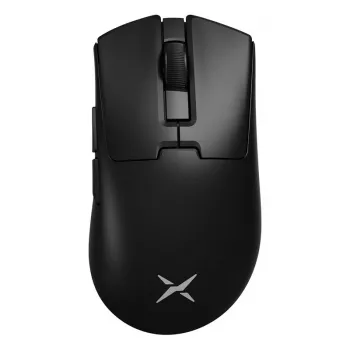
What does an 8KHz polling rate mean on a wireless gaming mouse?
An 8KHz polling rate means the mouse reports its position to your PC up to 8,000 times per second. In practical terms, the computer can receive a new input update about every 0.125 milliseconds, which is much faster than 1,000Hz (1ms). This spec describes the maximum update frequency between the mouse and the system, not the sensor’s DPI or the speed of your internet connection.
How it affects gameplay
With a higher polling rate, cursor and crosshair movements can feel slightly more immediate and “locked-in,” especially during fast flicks and micro-adjustments. The improvement is most noticeable if you already have a high-refresh monitor (240Hz and up) and a PC that can sustain high frame rates. If your system is capped at lower FPS or you’re on a 60–144Hz display, the difference can be subtle compared to 1,000Hz.
What “8KHz” does (and doesn’t) guarantee on wireless
On a wireless mouse, 8KHz typically refers to the connection running in a high-frequency mode via the manufacturer’s USB receiver (not Bluetooth). It doesn’t automatically mean you’ll always get a perfect 8,000Hz in every situation; radio interference, distance, and power-saving behavior can reduce consistency. Many mice also let you toggle polling rate levels so you can balance performance and efficiency.
Tradeoffs: CPU load and battery life
Polling faster can increase CPU interrupt/load slightly, and it usually reduces battery life because the mouse is transmitting more often. Some games or older systems may also show diminishing returns or occasional stutter if the CPU is already under heavy strain. If you notice higher power draw or inconsistent feel, dropping to 2,000Hz or 1,000Hz often restores the best overall balance without a major latency penalty.
For a deeper breakdown of how polling rate interacts with wireless performance and real-world settings, visit the full guide on polling rate for wireless gaming mice.
FAQ
Is 8K polling worth it for competitive FPS games?
It can be, especially with a high-refresh monitor and a strong CPU/GPU setup. Many players get most of the benefit at 1,000–2,000Hz, so the “worth it” depends on your hardware and sensitivity to input feel.











Leave a comment