Parental Controls: Make Kids’ Devices Safer in Minutes
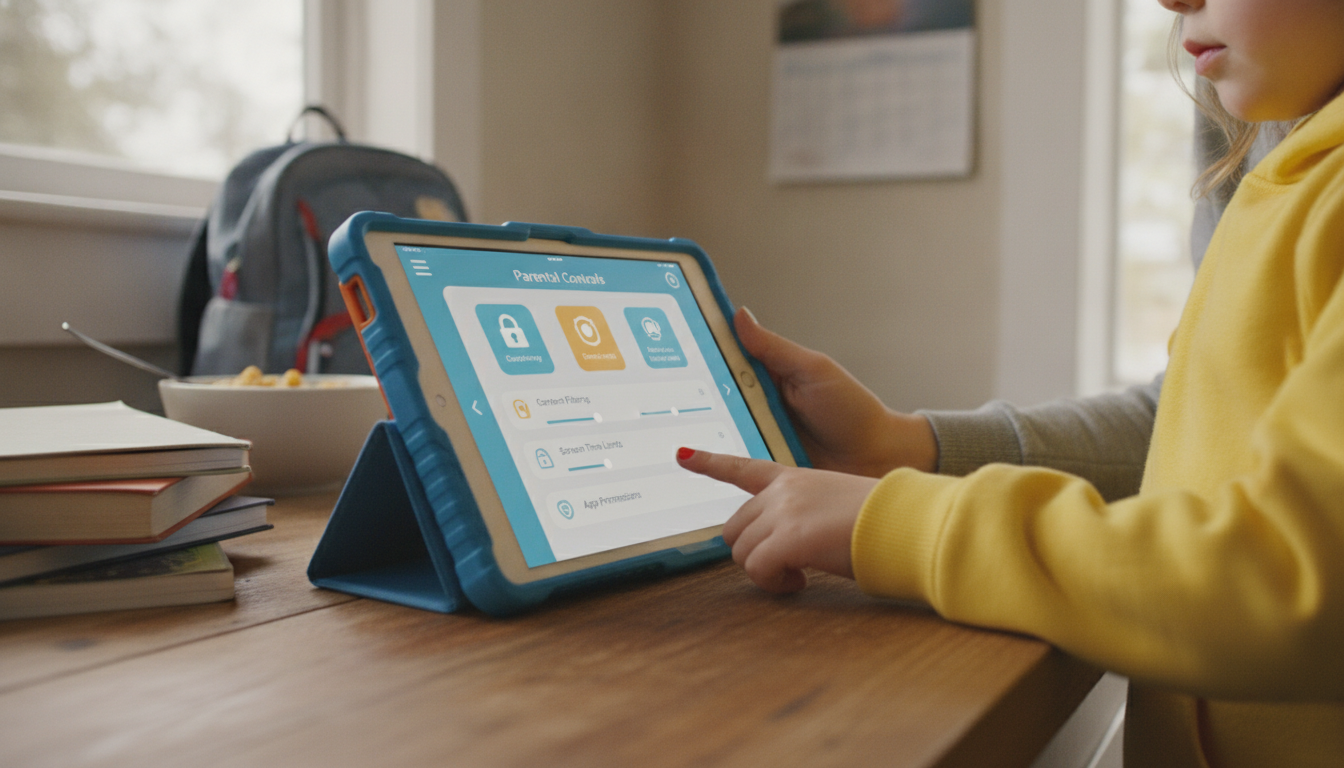
How can parental control settings make a device safer for children to use?
Parental control settings help turn phones, tablets, computers, and streaming devices into safer spaces for kids by putting clear boundaries around what they can access, how long they can use it, and who can contact them. Instead of relying on constant supervision, these tools create guardrails that reduce exposure to inappropriate content, risky interactions, and accidental purchases.
Content filters reduce exposure to mature or harmful material
Most parental controls can block explicit websites, restrict apps by age rating, and filter search results to reduce adult content. On streaming platforms, profile controls can limit movies and shows to kid-friendly ratings. These protections are especially useful because children can stumble onto content unintentionally through ads, suggested videos, or search autocomplete.
App permissions and downloads keep devices from becoming “anything goes”
Kids can install games, chat apps, or browser tools that bypass rules unless downloads are restricted. Parental settings can require approval for new apps, prevent access to specific app categories, and lock down device settings so a child can’t simply turn protections off. This also helps avoid apps that collect excessive data or encourage risky sharing.
Screen time limits encourage healthier routines
Time-based controls can set daily limits, schedule downtime (like bedtime and school hours), or cap time on specific apps. This reduces late-night scrolling, supports focus during homework hours, and makes it easier to maintain consistent boundaries without daily negotiations.
Communication and privacy controls lower contact risks
Many systems let parents approve contacts, limit messaging and calling, and manage location-sharing. These features can reduce exposure to strangers, prevent oversharing, and help families respond faster if something feels off. Some tools also provide activity reports, offering insight without needing to read every message.
For a deeper breakdown of options and setup tips, visit the main article on parental control settings.
FAQ
What should you do if your child finds ways around parental controls?
Update the device OS, tighten account permissions, and set a strong parent-only passcode so settings can’t be changed. Review installed apps for VPNs or alternate browsers, and have a clear conversation about why the rules exist and what happens if they’re bypassed.












Leave a comment